First, the supplier will receive an account creation notification. In the second email the Supplier The link will take the supplier to the Change the password screen where the Supplier User can change the password.
NOTE: The link will be valid for 30 calendar days from the date of receiving the email. After that, you will need to ask the Buyer to send a new invite.
- After changing the password, the supplier will be redirected to the login page
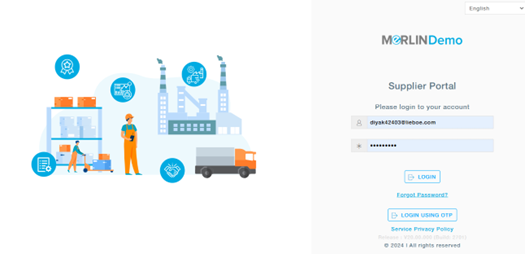
- The supplier will have to enter the email and password as mentioned in the screen below
- On clicking the log in button, the supplier will be able to log into the supplier portal.
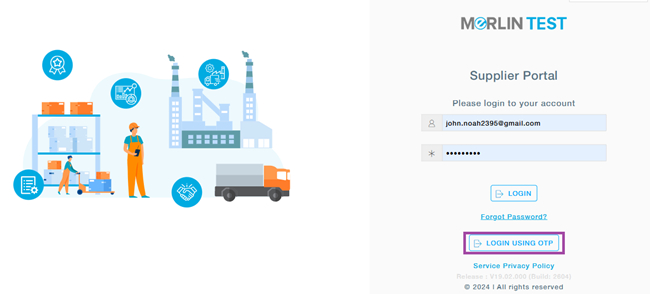
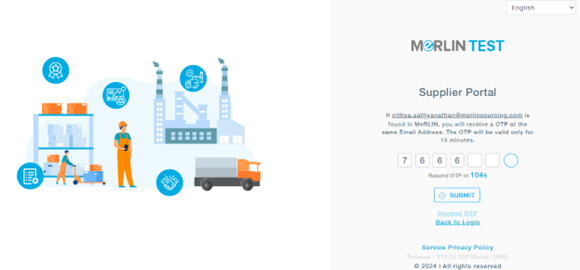
Alternatively, MeRLIN allows supplier users to securely access the portal using an email-based OTP.
You will receive an email with the OTP to login to the portal.
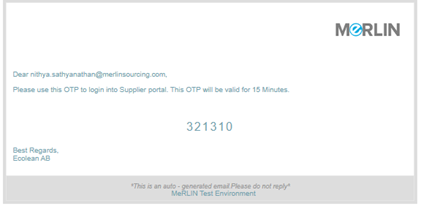
Enter the OTP to login.
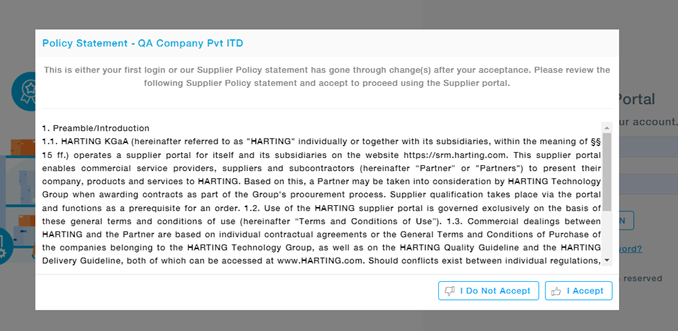
At the time of first login, users will have to check the ‘I Accept’ box after going through the Supplier Policy Statement provided before logging in.