Before Buyer Approves: After you have logged out of the Supplier portal before you submit the supplier information or has saved the Supplier Information is draft format, you can still complete the registration again by logging into the supplier portal.
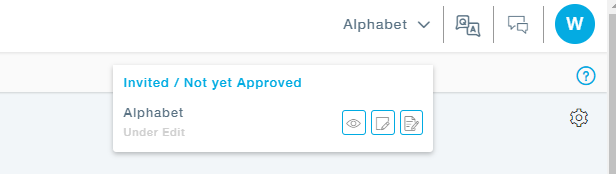
Expand the Company name and click on the Edit option, now complete the supplier registration information and submit it for Approval.
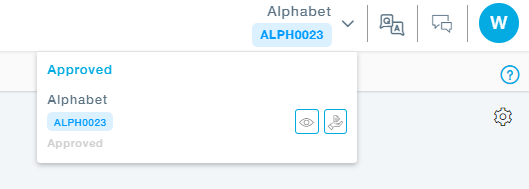
After Buyer Approves: After the buyer approves the Supplier, if you would still want to make any changes you can request for edit. The buyer will approve the request and make the supplier information editable.