
If you forgotten your account password, you can use the “Forgot Password” link in the login page of Supplier portal to reset the password.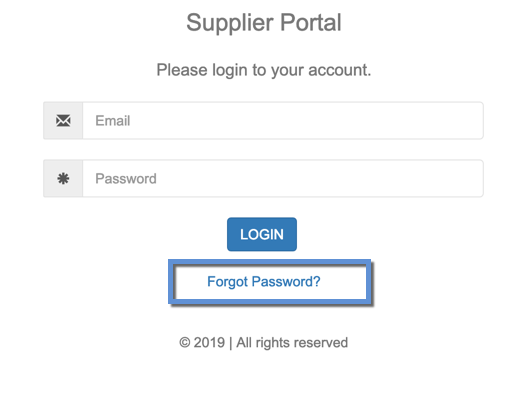
- Click on “Forgot Password?” link
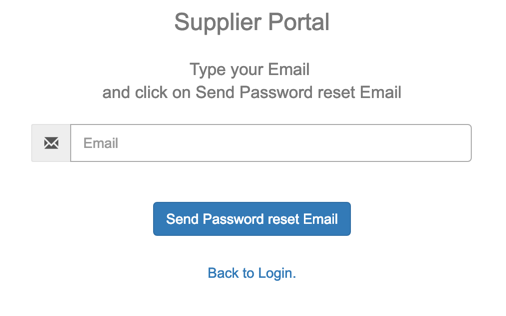
- Specify your account Email and click on “Send Password Reset Email” link
- You will receive an email with a link to reset the password.
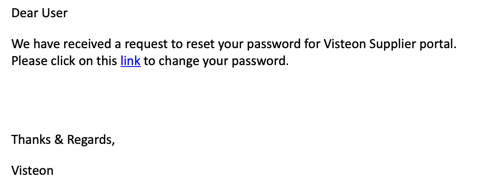
- Click on the link to set a new password.
- After successfully changing the password, you will be able to login into Supplier portal.
NOTE: You will not be able to use 5 previously used passwords.