After the SOW is finalized by the Buyer, the supplier will receive an e-Main notification to provide Quote.
Click on the “Respond to RFQ” to provide the quote. 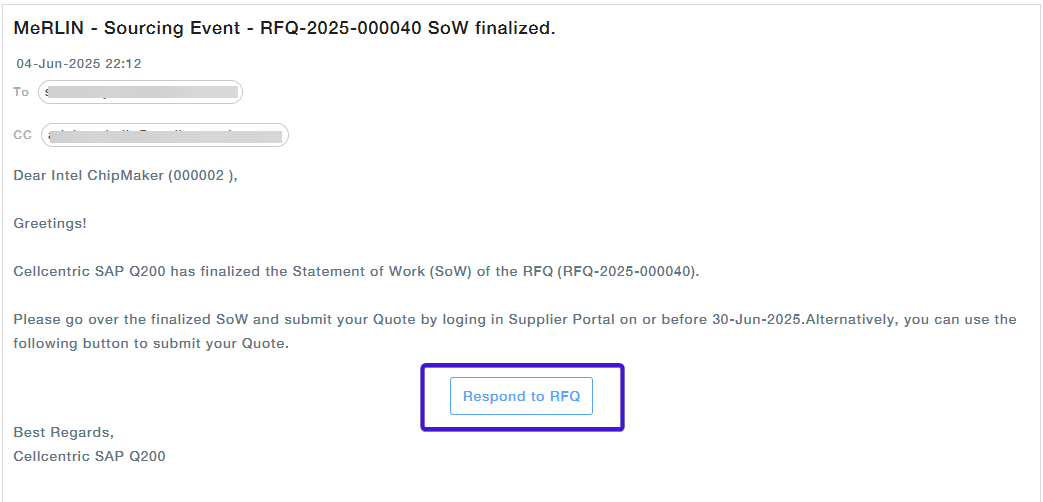
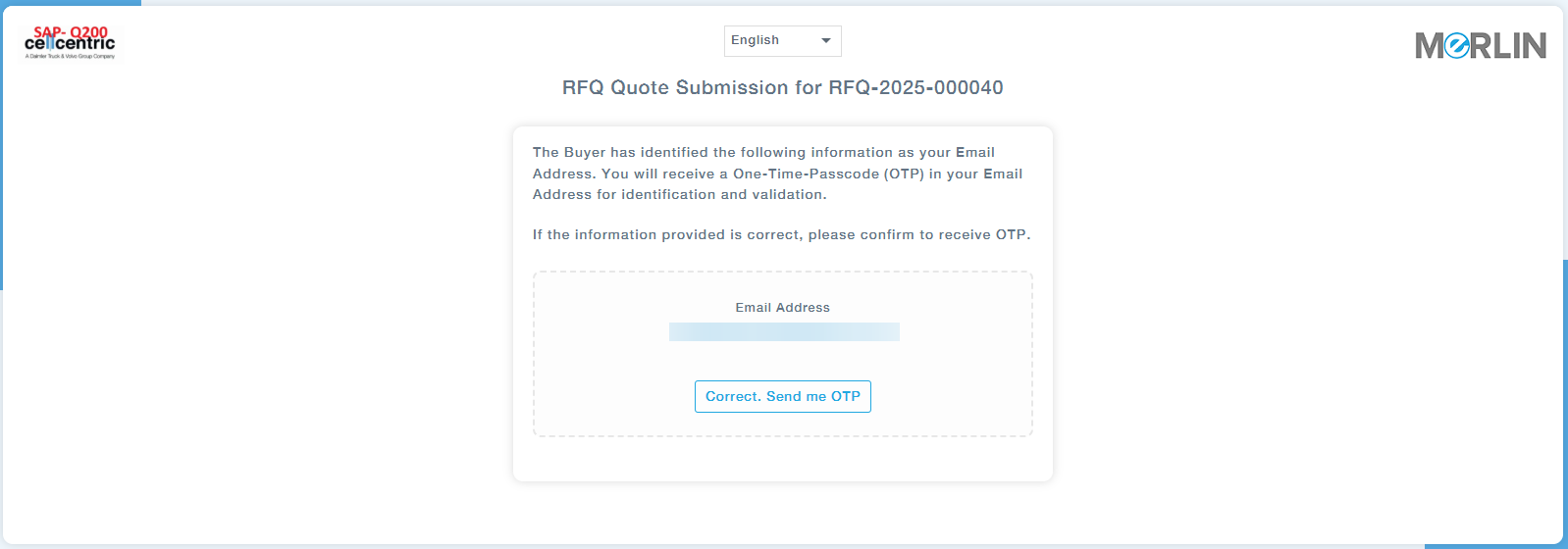
You will be redirected to a new browser tab displaying the supplier verification page. Review the supplier information and, if the email id is correct, click “Correct. Send me OTP” to proceed.
You will receive an email with OTP
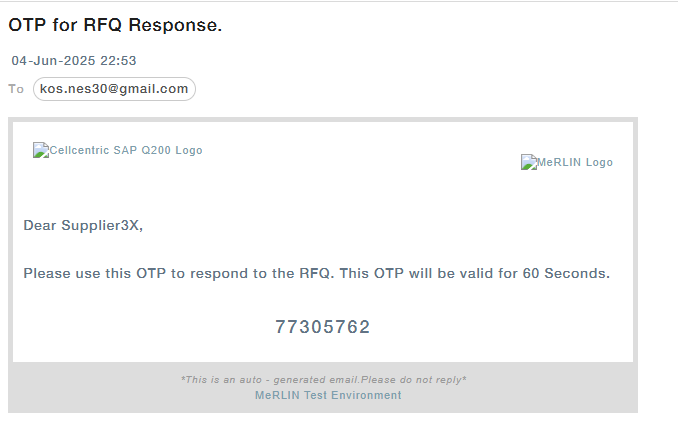
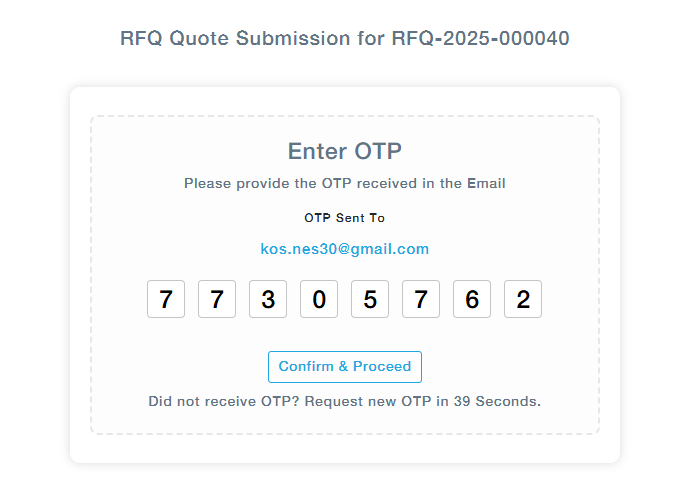
Enter the OTP received through the email and click Confirm and Proceed.
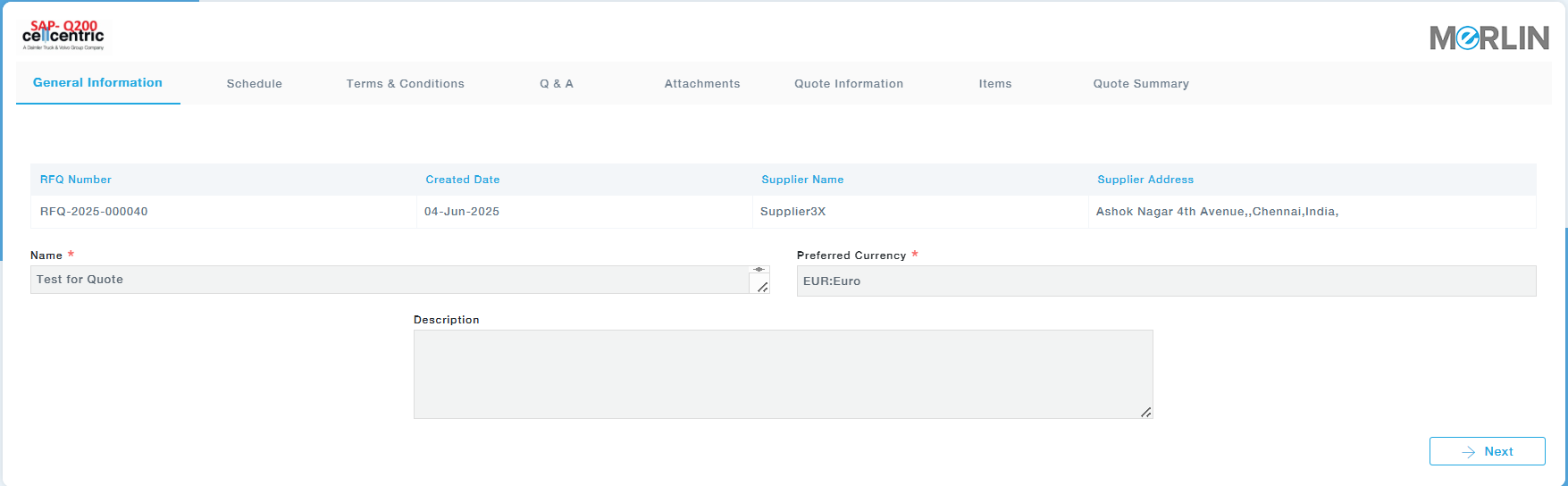
You will be directed to the landing page as shown below.
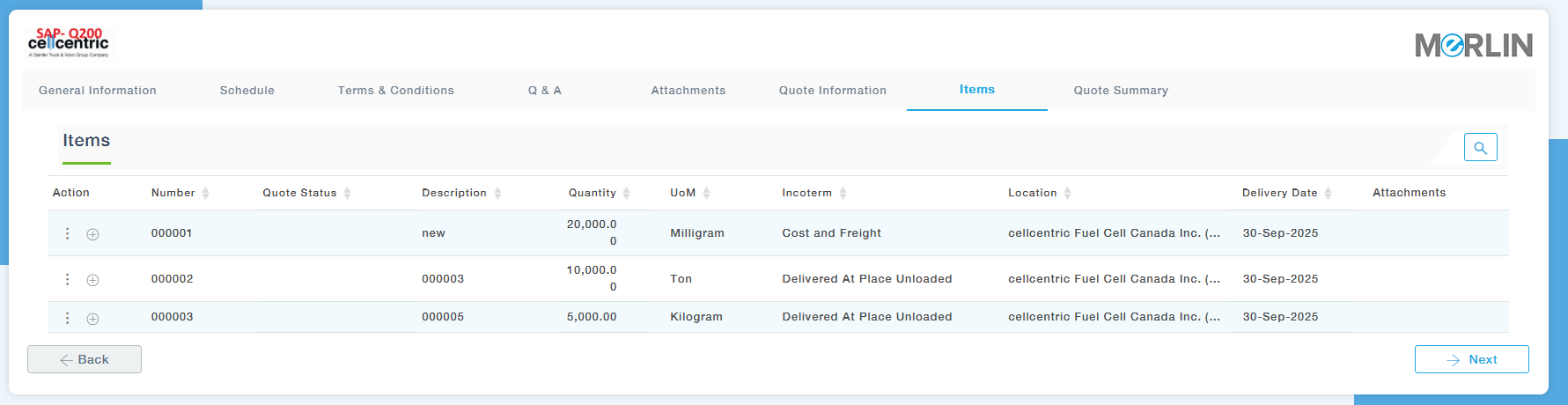
The supplier can add the quote using the + icon or using the action menu. The subsequent steps closely mirror the process of submitting a quote via the supplier portal.
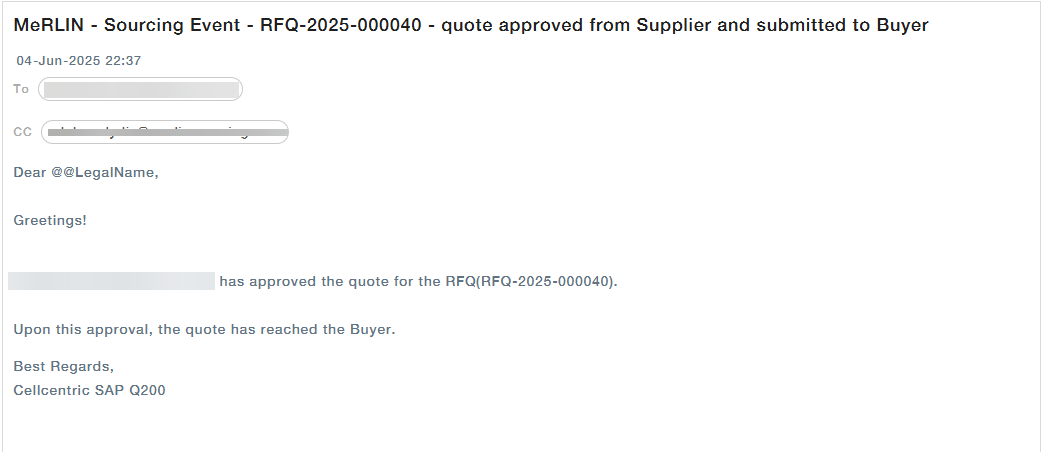
Once the quote is submitted, an email notification will be sent to both the supplier and the buyer, as illustrated below.
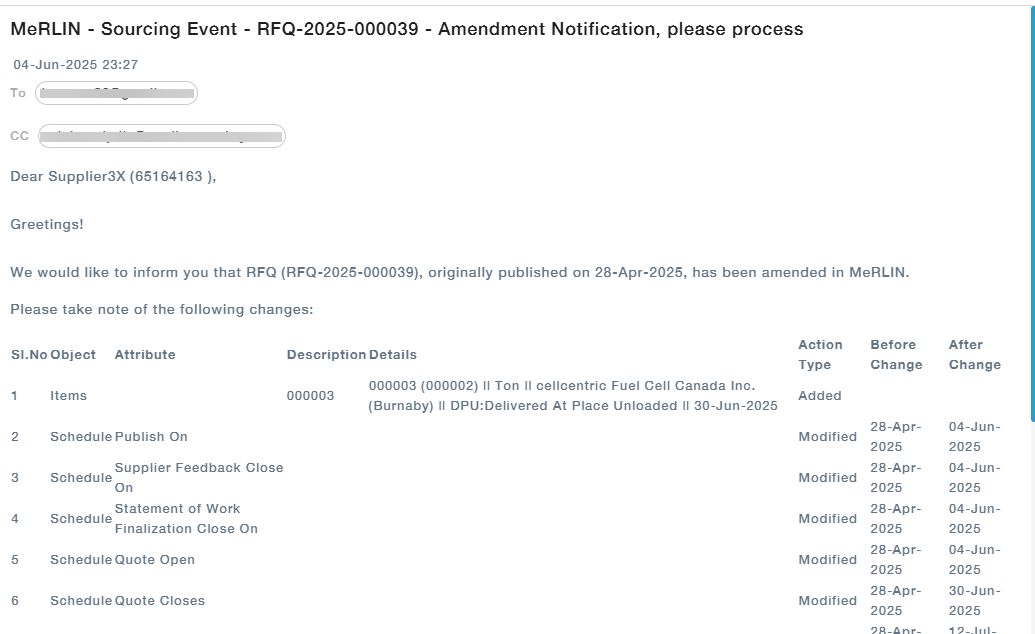
Notification of Changes in RFQ
After publishing an RFQ, the buyer can make changes before the supplier submits a quote. Updates will be summarized and shared with the supplier via email, as illustrated below.