
This submenu will display the complete list of Public RFIs. If found to be suitable, from the list, the User can choose to “Interested in Responding”.
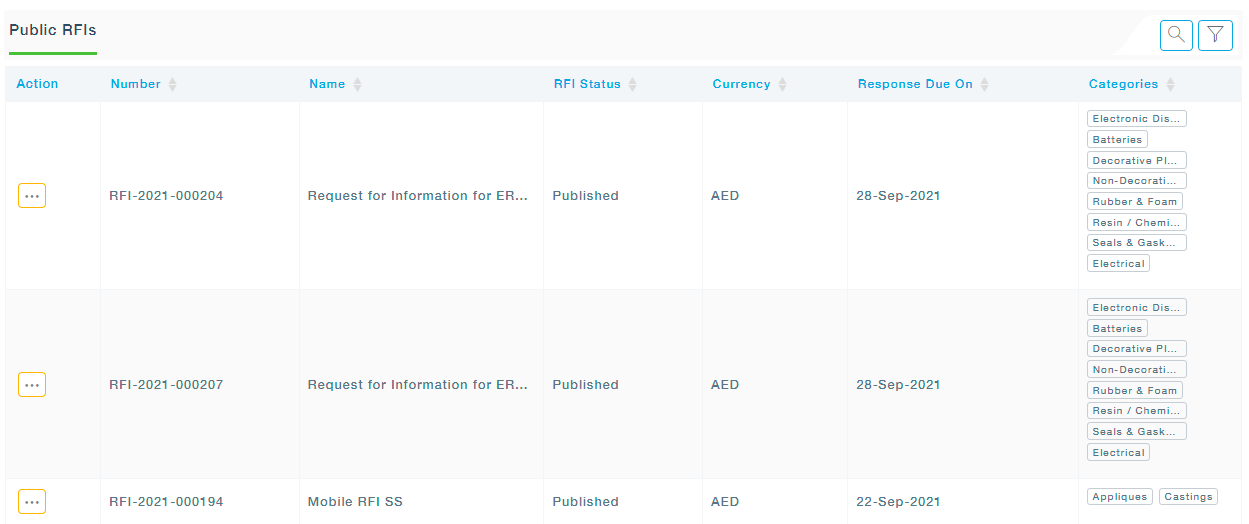
Available Actions
View: View the details of the RFI
Choose to Respond: If choose to respond is selected, The RFI will move from Public RFI to Active RFIs submenu from where you can respond to the RFI.
Ignore: If Ignore is selected the RFI will be moved to the Ignore RFIs list.