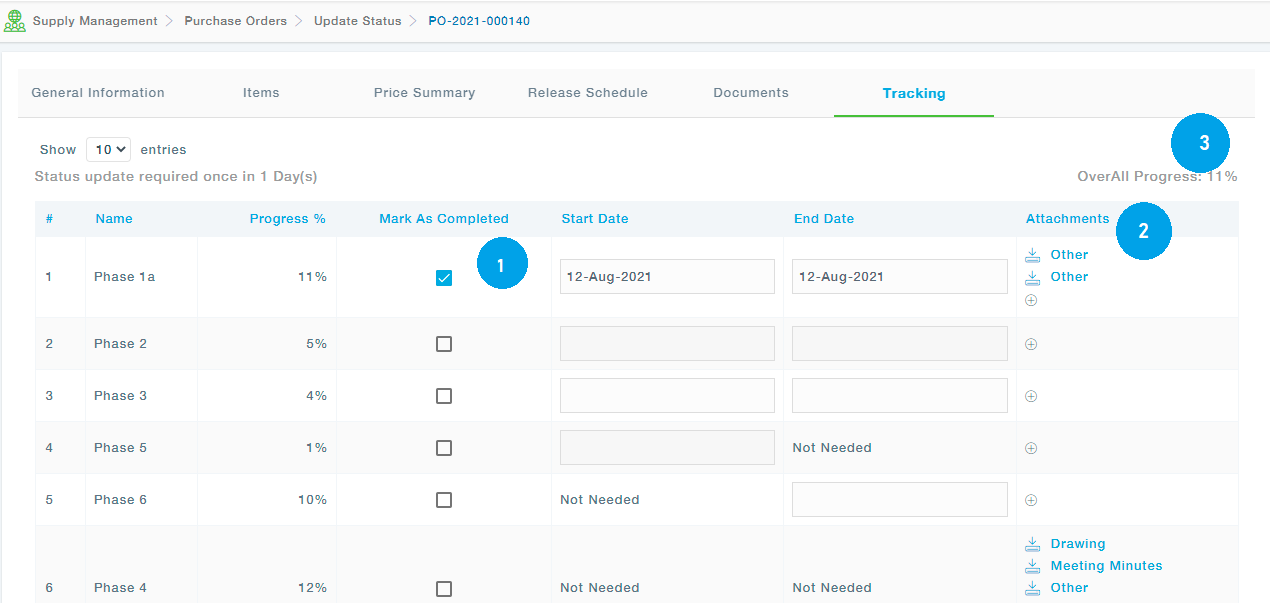
During the life of the Purchase Order, Supplier will be able to update the Progress based on the information needed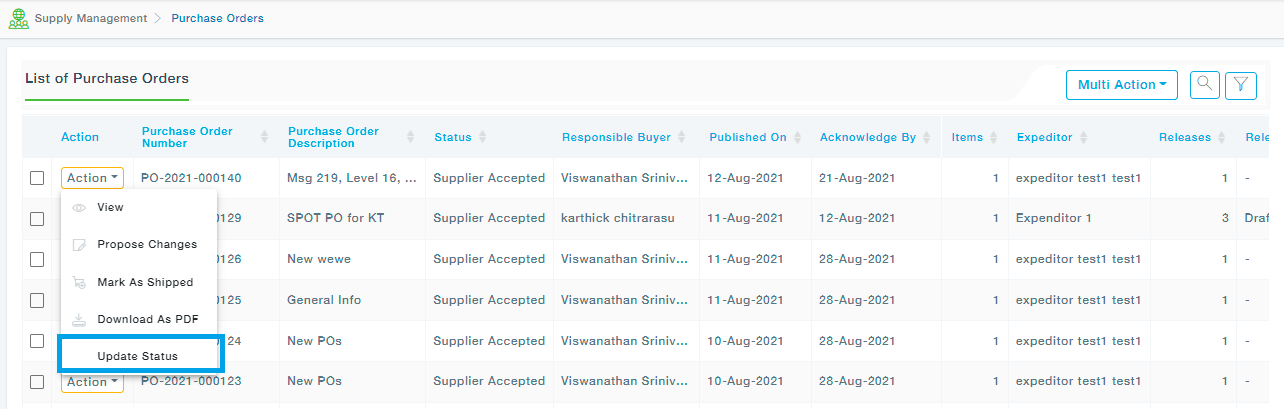
The supplier can move to the Tracking tab and update the status.
- Checking “Mark as Completed” will default the Start and End Dates to today’s date if they are empty. User can change them. Also, Marking an End Date as a Past Date of a Stage or Milestone will automatically change the associated check box to “Checked” state.
- The supplier will be able to add attachments to a stage
- When an item status is changed to “Mark as Completed”, the Overall Progress will get calculated and the sum will be shown.