Step 1: From the Action drop down, choose Accept or Reject as appropriate.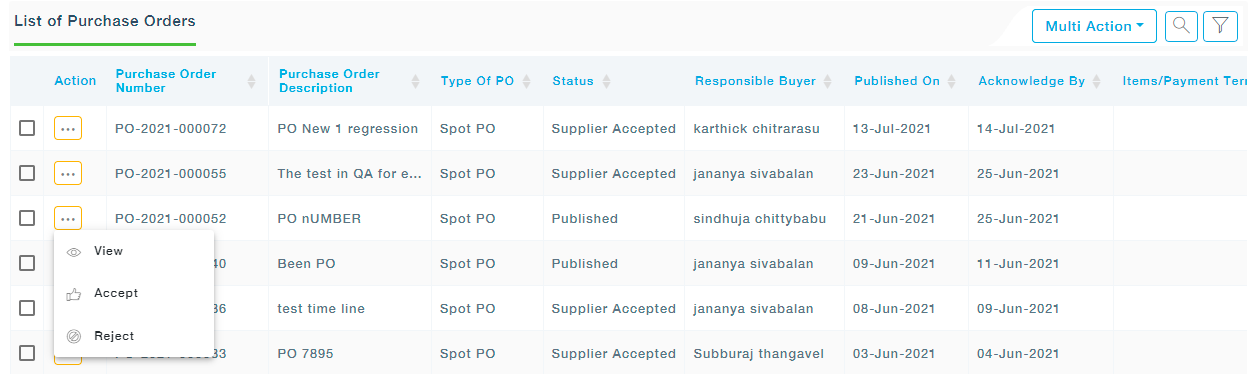 Note: If payment gateway is configured in your system you will see the Action as “Accept and Make Payment”. Choose the this option to make payment.
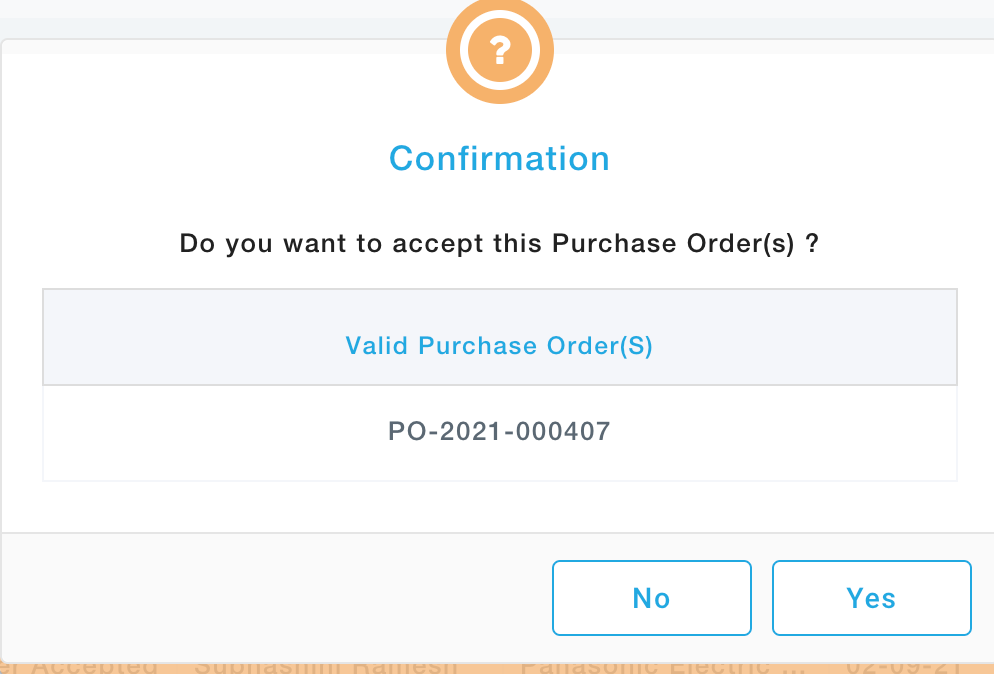
Step 2: In case of Reject, MeRLIN prompts for a reason and comments. Provide your inputs and click on Submit.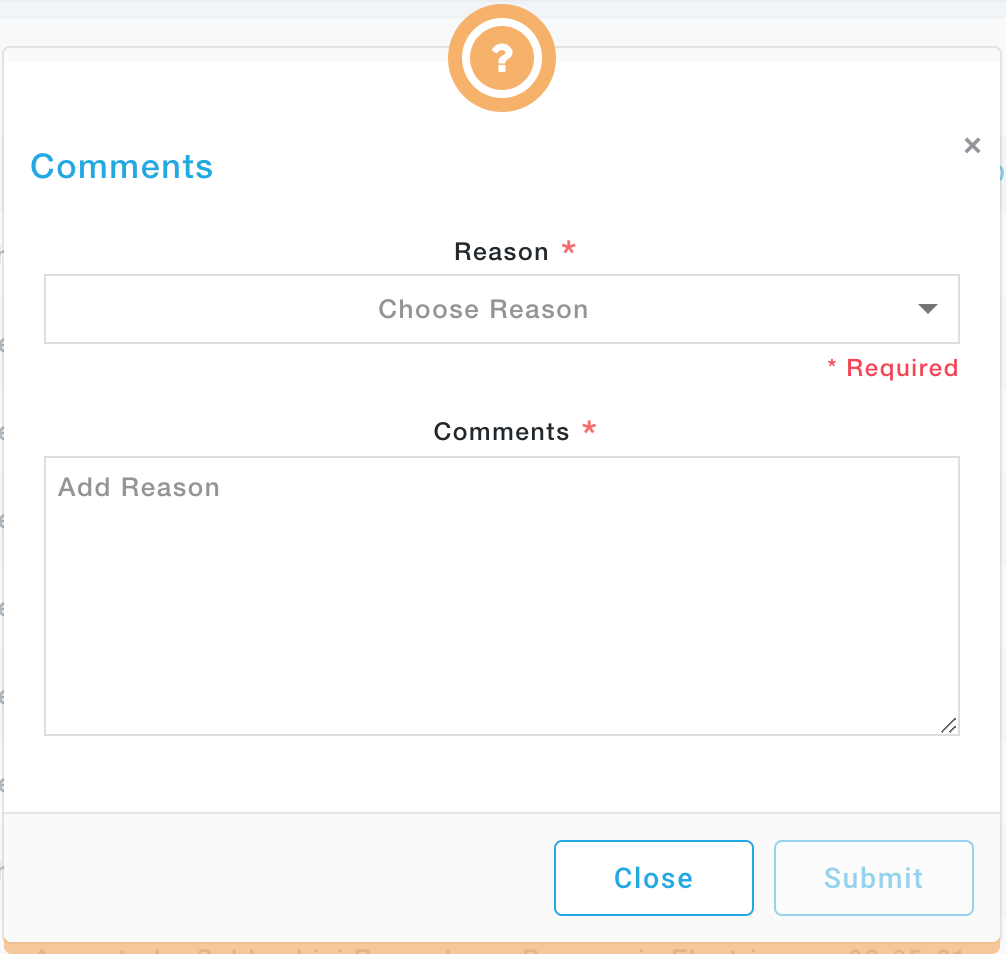 Step 3: In case of Accept, MeRLIN prompts for a confirmation. Click Yes to confirm acceptance.