
1. From the Shipment list, Supplier can choose to submit Invoices for one or more Shipments. “Submit Invoice” option will be available only for Shipments that are shipped.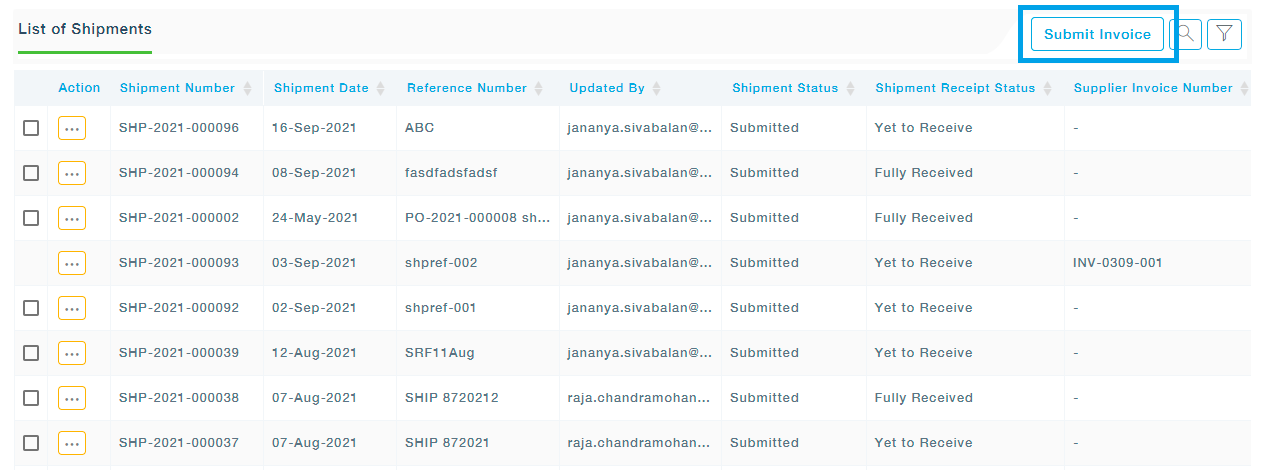
2. Select the Shipments and Click On “Proceed to Invoice”.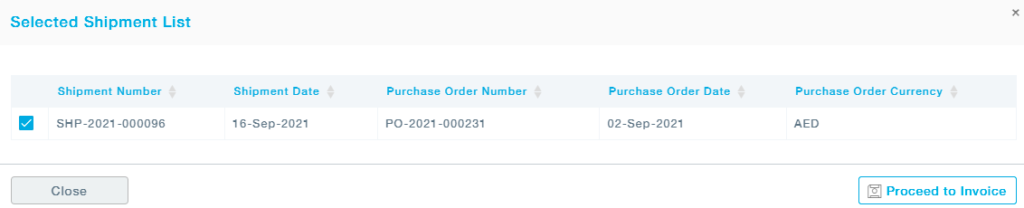
3. Fill in the details of the Invoice and shipments. The Supplier Invoice Number is the Reference Number provided by the Supplier. The Payment method can be chosen from the list of available methods in the list. You can either save the form as a draft or continue to provide more details to the invoice.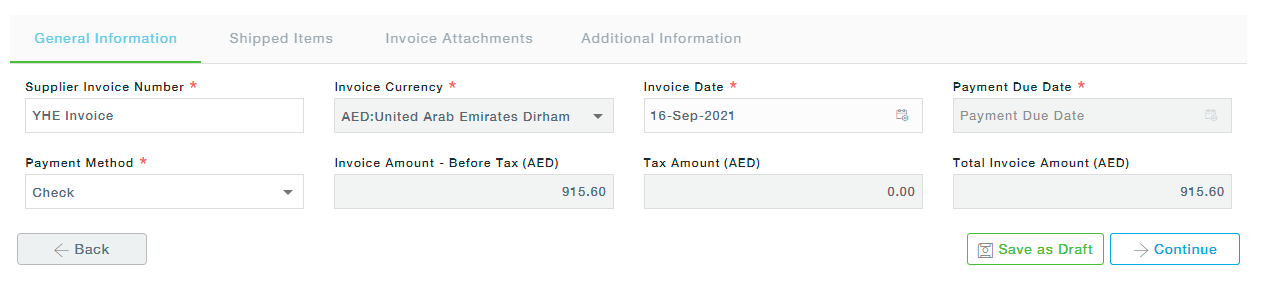
4. The shipped items will let you view all the items shipped. 5. To add any documents to the Invoice, click on the Add Document button and upload the files.
 6. Any additional information related to the Invoice can be provided.
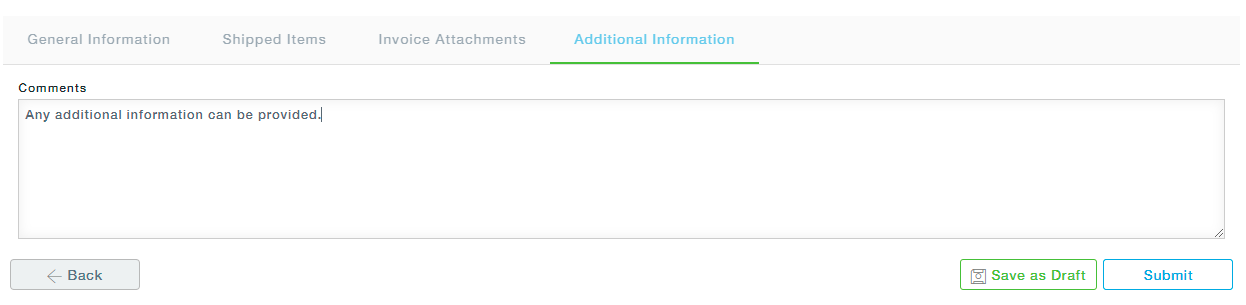 7. Click on the Submit button to Submit the Invoice to the buyer.
These submitted Invoices then appear under the Active Invoices submenu under Invoice Management.