
Menu Path: Customer Evaluation Surveys >> Active Customer Evaluation Surveys
1. Click on the Submit Response Under Actions.
2. In the Survey form that appears, Submit your response.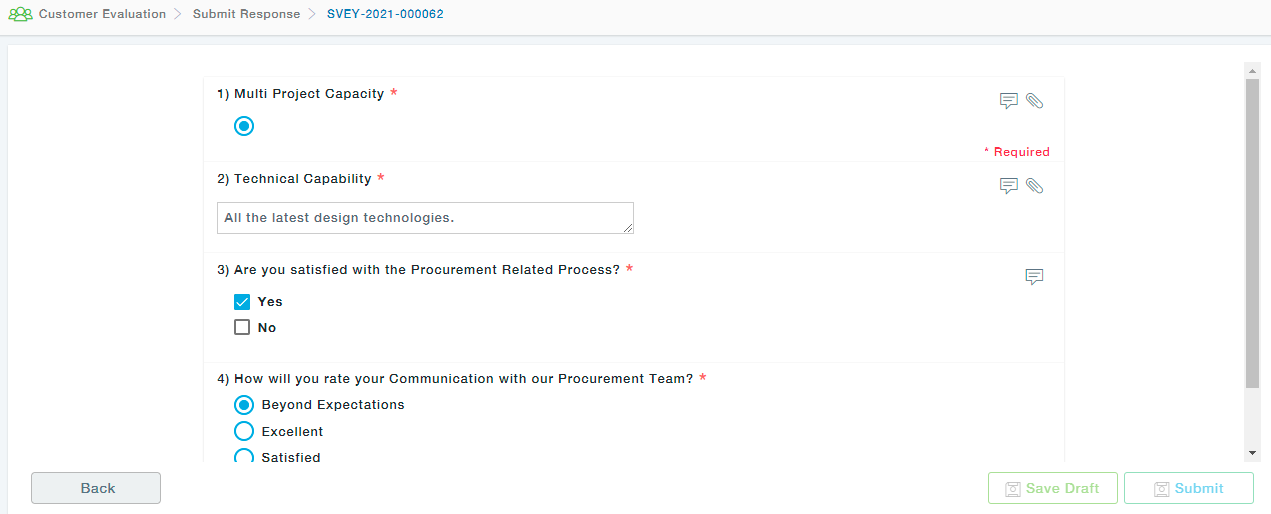
Wherever the Message Icon (for Comments) and the Attachment icon (for uploading documents) appears, provide the necessary comments in the Comment section and attach relevant documents to be able to Submit the form. These are mandatory sections and only after completing the same, you will be provided with the button to Submit the form.