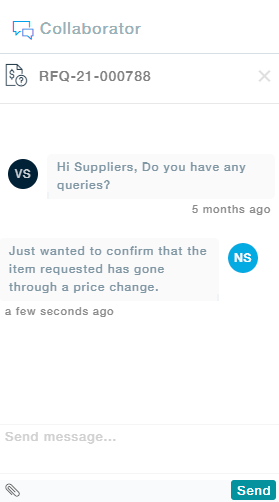
Real-Time Collaborators allow the Buyer and Suppliers to work together and communicate easily and assist each other. In MERLIN, Buyers and Suppliers can collaborate in real-time seeking and providing clarifications about the RFQ using collaborators.
Where to look for a collaborator in MeRLIN?
The collaborators can be easily accessed from the home page of MeRLIN, near the notification bell icon.
Now click on the Collaborator Icon to View all the Collaboration groups created by the Buyer.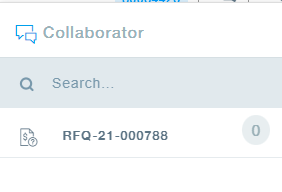 Click on the RFQ number and start collaborating with the buyer. Type the message in the Text Area and click Send. You can also share files using the attachment option provided at the left bottom. The buyers will be able to view the attachment along with the messages.