
Login into MeRLIN Supplier portal and navigate to “Award Management” under the left side navigation section to view the list of RFQs and Auctions that has been awarded by the Buyer for you.

- Accept: Choose this option to Accept the award
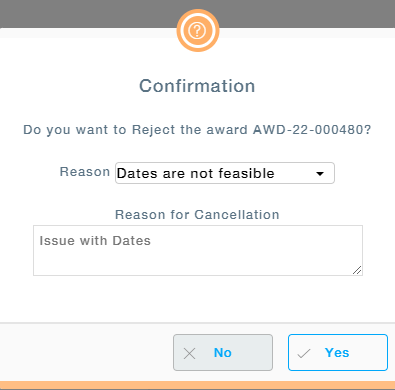
- Reject: Choose this option to Reject the award. Provide the reason for rejecting the Award. This will be visible to the buyer.
- View: View the award details.
- View Sourcing Identifiers: Provision to view the origin of the award, from RFQ or Auction.